February 2, 2025 · Variant Systems
Dynamic App Icons in Expo
How we built an open-source package for switching app icons at runtime in Expo apps. Works on iOS and Android.
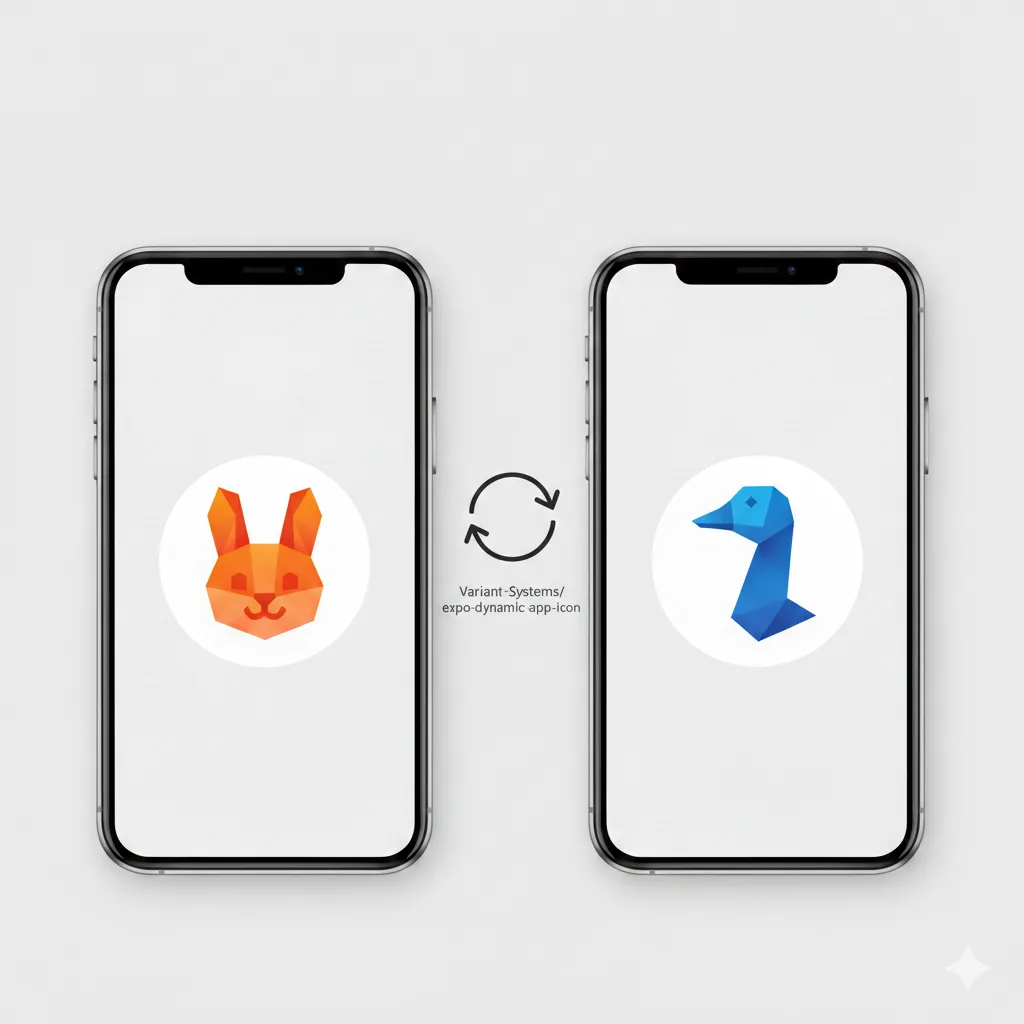
We needed to change app icons at runtime in an Expo app. Expo doesn’t support this out of the box. So we built a package that does.
It’s called @variant-systems/expo-dynamic-app-icon. It’s open source. Here’s why we built it and how it works.
Why you’d want this
Multi-tenant apps. That’s the main use case.
You’re building one app that serves multiple clients. Each client wants their logo on the home screen. You don’t want to maintain separate builds for each one.
Dynamic icons solve this. One codebase. Multiple brand identities. The icon changes based on who’s using it.
Other use cases:
- Seasonal themes (holiday icons)
- User preferences (dark mode icon variants)
- A/B testing app store presence
- Premium tiers with custom branding
The problem with Expo
Expo’s managed workflow is great for most things. But it abstracts away native code. Changing app icons requires native APIs.
On iOS, you need to modify the Info.plist and use UIApplication.shared.setAlternateIconName. On Android, you’re dealing with activity-alias declarations in the manifest and enabling/disabling components at runtime.
None of this is accessible from JavaScript in a standard Expo project.
The existing solutions either required ejecting from Expo or were incomplete. We needed something that worked with Expo’s config plugins, supported Expo 52+, and handled both platforms properly.
How we solved it
We built a config plugin that handles the native setup automatically. You define your icons in app.json. The plugin generates all the platform-specific code during the prebuild step.
At runtime, you get a simple API to switch icons.
Installation
npx expo install @variant-systems/expo-dynamic-app-iconConfiguration
Add the plugin to your app.json:
{
  "plugins": [
    [
      "@variant-systems/expo-dynamic-app-icon",
      {
        "rabbit": {
          "image": "./assets/rabbit.png",
          "prerendered": true
        },
        "goose": {
          "image": "./assets/goose.png"
        }
      }
    ]
  ]
}
Each key is an icon name. The image path points to your icon file. The plugin automatically generates images for all device densities, so you only need to provide one high-resolution source. On iOS, prerendered controls whether the system adds its gloss effect.
Usage
import ExpoDynamicAppIcon from "@variant-systems/expo-dynamic-app-icon";

// Switch to the rabbit icon
ExpoDynamicAppIcon.setAppIcon("rabbit");

// Switch to the goose icon
ExpoDynamicAppIcon.setAppIcon("goose");
That’s it. The icon changes immediately on the home screen.
What happens under the hood
iOS
The plugin modifies your Info.plist to declare alternate icons. It adds your images to the asset catalog with the correct naming conventions.
When you call setAppIcon, the native module calls UIApplication.shared.setAlternateIconName(). iOS handles the rest.
One quirk: iOS shows a system alert when you change icons. There’s no way around this-it’s an Apple policy to prevent apps from silently changing their appearance.
Android
Android is more complex. There’s no direct API for changing app icons.
The workaround is activity-alias. The plugin creates multiple activity declarations in your AndroidManifest.xml, each pointing to a different icon. Only one is enabled at a time.
When you call setAppIcon, the native module disables the current activity-alias and enables the new one. The launcher picks up the change.
This approach has been stable across Android versions, though some launchers may take a moment to refresh.
Web
The package exports a no-op on web. Your code won’t crash, but icons don’t change. PWA icon switching would require service worker manipulation and isn’t currently supported.
Preparing your icons
A few things to keep in mind:
Size matters. Provide high-resolution source images (1024x1024 minimum). The plugin handles resizing for different device densities.
Keep them consistent. All your icon variants should work at small sizes. Test them on actual devices-what looks good at 1024px might be unrecognizable at 60px.
Follow platform guidelines. iOS icons should be square with no transparency. Android adaptive icons need foreground and background layers if you want the full effect.
Test on real devices. Simulators don’t always reflect how icons appear on actual home screens.
Error handling
The package throws if something goes wrong. Wrap your calls in try-catch:
try {
  ExpoDynamicAppIcon.setAppIcon("rabbit");
} catch (error) {
  console.error("Failed to set icon:", error);
  // Handle gracefully-maybe the icon name doesn't exist
}
Common errors:
- Icon name not found in configuration
- Native module not linked (run
npx expo prebuildafter adding the plugin) - Permissions issues on certain Android devices
When not to use this
If you’re building separate apps for each client anyway, just configure different icons at build time. Dynamic switching adds complexity you don’t need.
If you only need two icons (light and dark mode), consider whether the added dependency is worth it. Sometimes shipping two app variants is simpler.
If your app needs to work offline and you’re caching icons remotely, this package won’t help-icons must be bundled at build time.
Get the code
The package is open source under MIT license.
GitHub: github.com/Variant-Systems/expo-dynamic-app-icon
npm: @variant-systems/expo-dynamic-app-icon
Issues, PRs, and feature requests welcome. If you’re using it in production, we’d like to hear about it.
Building React Native or Expo apps? We ship production mobile apps across SaaS, healthcare, e-commerce, and education. Get in touch about your project.